TPWallet Region Settings and Usage Restrictions Explained
Updated 2026-10-21T02:28:42.035+00:00
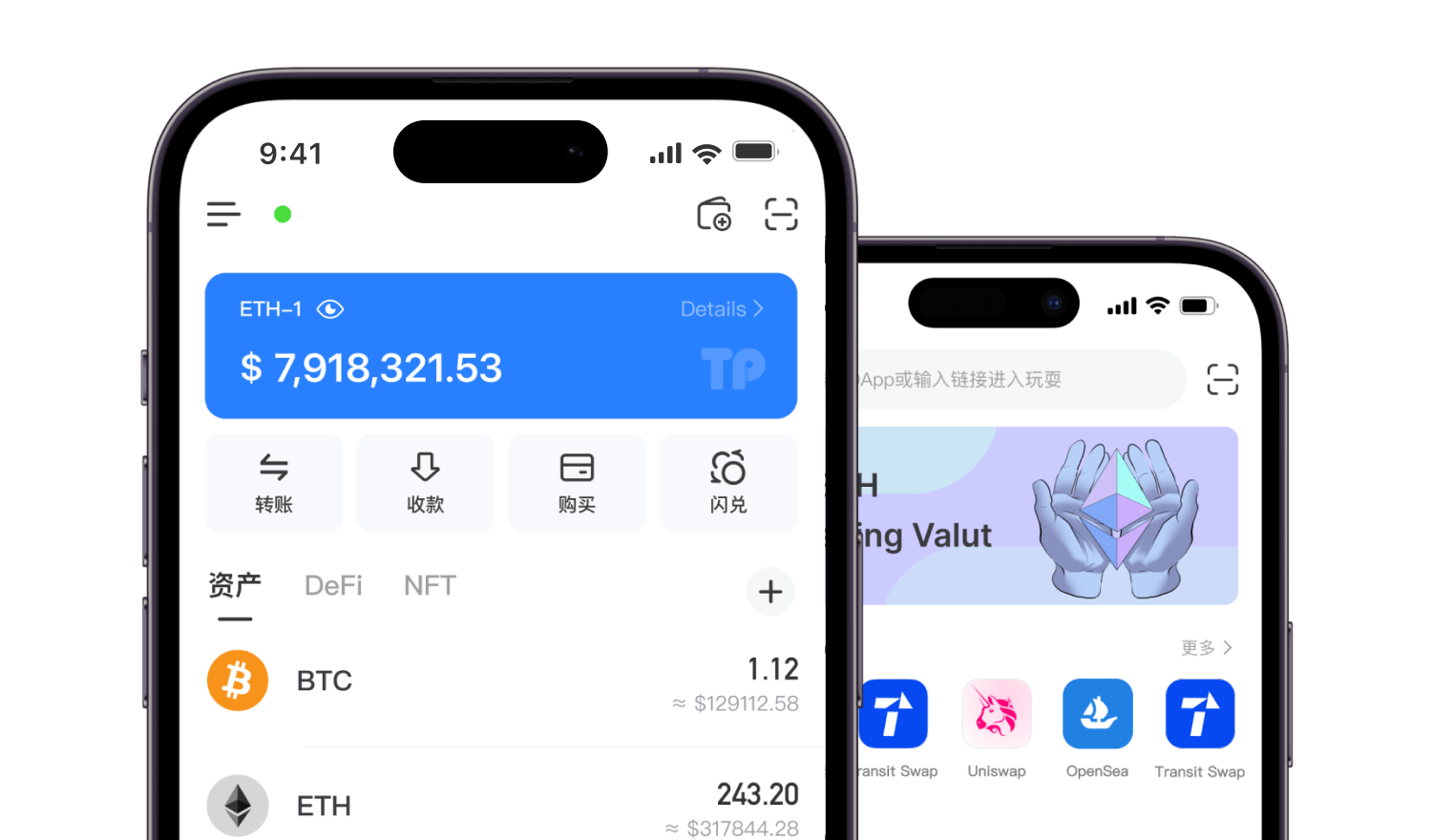
TPWallet (TokenPocket) is a self-custody non-custodial wallet. The core wallet function — storing private keys, signing transactions, connecting to DApps — does not have a hard region lock. Region settings mainly control display language, fiat on-ramp/off-ramp providers, currency unit, price sources and feature availability, rather than locking your wallet address or assets.
> Core distinction: Wallet signing & on-chain interaction ≠ Regulated fiat services. Your assets are on the blockchain, not controlled by TPWallet servers.
Where to Find & Adjust Region Settings
- Open TPWallet, tap Me at the bottom right
- Go to Settings
- Find Region / Language & Region
- Select your target region and local currency
- Save changes. The app will refresh fiat channels, market quote sources and default display language
What this setting changes:
- Default fiat currency for portfolio valuation (USD, EUR, SGD, HKD etc.)
- Available fiat on-ramp and off-ramp partners
- Regional notice, disclaimer and compliance prompts
- Recommended RPC and market data sources
- Eligibility for region-limited campaigns, airdrops and partner activities
What this setting does NOT change:
- Your wallet address, seed phrase, private key and on-chain assets
- Basic token transfer, swap via DApp, NFT viewing and chain switching
- Derivation path and wallet recovery logic
Main Types of Regional Usage Restrictions
- Fiat On-Ramp / Off-Ramp Restrictions (Most Common)
Third-party fiat providers integrated inside TPWallet maintain their own jurisdiction rules. Even if you can open TPWallet, you may see “service unavailable” when trying to buy or sell crypto with bank cards, e-wallets.
- Restrictions come from payment providers, not TPWallet itself
- Changing the app region setting may show different providers, but cannot bypass the provider’s KYC and location checks
- Some providers require ID verification and proof of residency matching the selected region
- App Store / Google Play Distribution Restrictions
TPWallet may not be listed or downloadable from official app stores in certain jurisdictions.
- You can still use the official APK or extension version where local law permits
- Download availability is separate from wallet functionality after installation
- Sanctioned Jurisdiction Compliance Rules
Per TPWallet terms, users located in sanctioned jurisdictions or on sanction lists are prohibited from using the service. TPWallet may block regulated auxiliary services for these locations.
- TPWallet reserves the right to restrict regulated add-on services for users in sanctioned regions
- Attempting to bypass geographic restrictions with VPN may result in loss of access to fiat services and campaign eligibility
- DApp and Campaign Geo-Blocks
Many airdrops, trading activities and partner DApps inside the DApp browser add independent geo-restrictions.
- TPWallet region setting is one signal used by these activities
- VPN spoofing to claim region-locked rewards may lead to disqualification
- Local Legal Compliance Obligation
Cryptocurrency laws vary widely. TPWallet does not grant you legal permission; you must confirm crypto usage is lawful in your place of residence. TPWallet does not provide financial or legal advice.
Can I Use VPN to Change My Region?
- For basic wallet use (send, receive, DApp interaction): VPN may change your IP but cannot alter your seed phrase or on-chain ownership
- For fiat purchase, regulated services and official campaigns: VPN circumvention is against TPWallet terms
- Mismatch between your selected region, IP location and KYC information will trigger fiat service rejection
Frequently Encountered Issues
- Region option missing: Update TPWallet to the latest official build. Older versions combine region and language.
- Region changed but fiat channels still greyed out: That region has no active fiat partners.
- Price shows wrong currency: Re-enter region settings and re-select your local fiat currency.
- After switching region, some tokens disappear: Tokens are still on-chain; custom token lists and RPCs may reset and need re-adding.
Important Security Reminders
- Changing region settings will not move, freeze or delete your crypto assets
- Region selection is only for UI and third-party service routing; it is not account KYC
- Never rely on region setting to judge local crypto legality
- Keep your seed phrase backed up offline regardless of which region you select